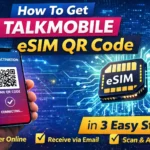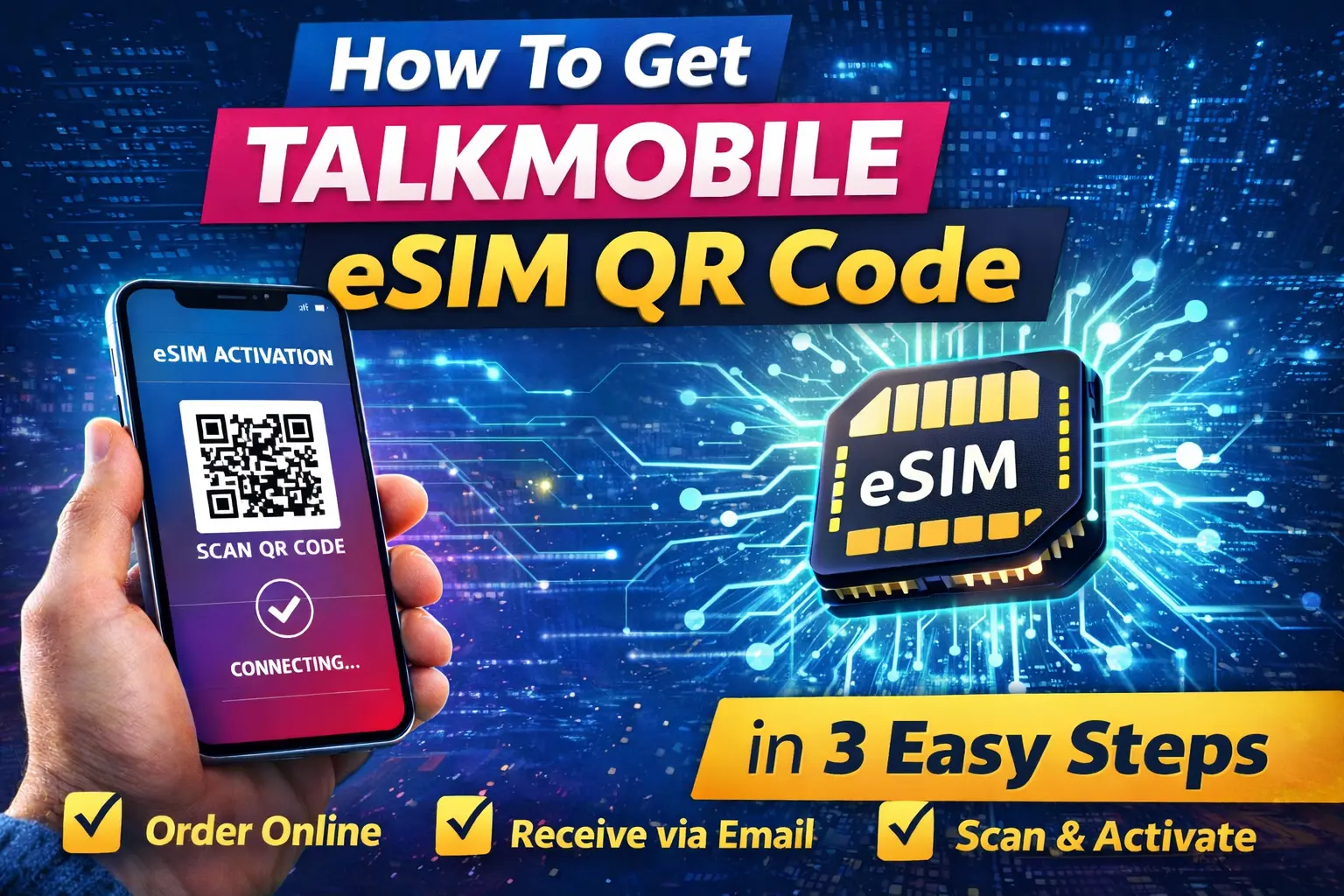
If you are searching how to get talkmobile eSIM QR code, this guide explains the exact steps in simple way. With talkmobile eSIM, you can activate your mobile number digitally without waiting for a physical SIM card.
In this article, you will learn how to order talkmobile eSIM online, receive the QR code, scan it on your phone, check activation time, and switch from a physical SIM.
Recommended : If you want the complete overview including plans, compatible devices, and troubleshooting, read our talkmobile eSIM Complete Guide
Order Talkmobile eSIM Online
The first step to get the talkmobile eSIM QR code is ordering a compatible SIM only plan.
Steps to Order Talkmobile eSIM
- Visit the official Talkmobile website
- Choose your preferred SIM-only plan
- Select the eSIM option during checkout
- Enter your details
- Complete payment
After your order is confirmed, talkmobile prepares your digital SIM profile.
This is the easiest method for users searching how to get talkmobile eSIM QR code through the official website.
Important Checks Before Ordering
- Make sure your device supports eSIM
- Confirm your phone is unlocked
- Use a valid email address
You can see the full list of supported devices in our talkmobile eSIM Compatible Phones Guide article.
How to Get Talkmobile eSIM QR Code After Ordering Online
Understanding how to get talkmobile eSIM QR code helps avoid delays during activation
Once your order is complete, you will receive your talkmobile eSIM QR code.
Where You Get the QR Code
- Email inbox
- Account dashboard
The message usually contains:
- QR code
- Activation instructions
- Setup details
How Long It Takes to Receive
- Often within a few minutes
- Sometimes within a few hours
If you do not receive it:
- Check spam or junk folder
- Verify email address
- Contact Talkmobile support
Important: The QR code is usually valid for a single device only.
Scan Talkmobile eSIM QR Code
After receiving your code, you can start the talkmobile eSIM activation process.
Scan QR Code on iPhone
- Open Settings
- Tap Mobile Data
- Select Add eSIM
- Scan QR code
- Confirm activation
Scan QR Code on Android
- Open Settings
- Go to Network & Internet
- Tap SIMs
- Choose Add eSIM
- Scan the QR code
Your phone will download the eSIM profile automatically.
For complete setup screenshots and troubleshooting, read the full talkmobile eSIM activation guide.
If QR Code Does Not Scan
Try:
- Restart device
- Use strong Wi-Fi
- Request replacement QR code
You may also enter manual activation details.
Talkmobile eSIM Activation Time
After learning how to get talkmobile eSIM QR code, activation usually completes within minutes.
Typical Activation Time
- Most users connect within a few minutes
- Sometimes up to 15–30 minutes
During activation:
- Keep phone connected to internet
- Do not delete eSIM profile
Signs Activation Is Complete
- Network signal appears
- Calls and mobile data work
If activation takes longer, restart the device or check network settings.
For deeper troubleshooting, visit the talkmobile eSIM issues and fix guide in the main article.
Switching from Physical SIM to Talkmobile eSIM
Existing talkmobile users can switch easily.
Convert Physical SIM to eSIM
- Log into your account
- Request SIM swap
- Choose eSIM option
- Receive new QR code
- Scan and activate
Your existing number normally stays the same.
Benefits of Switching
- Faster activation
- No physical SIM risk
- Dual SIM support
You can read a full comparison in the talkmobile eSIM vs physical SIM section of the complete guide.
Tips for Smooth Talkmobile eSIM Setup
- Confirm device compatibility
- Save QR code securely
- Use stable internet
- Follow activation steps carefully
These simple precautions prevent most activation problems.
Common Problems When Getting Talkmobile eSIM QR Code
QR Code Not Received
- Check spam folder
- Request resend
Activation Failed
- Confirm device compatibility
- Use manual setup
No Network Signal
- Restart device
- Check coverage
For detailed troubleshooting solutions, refer to the main talkmobile eSIM complete guide.
Conclusion
Now you clearly understand how to get talkmobile eSIM QR code and activate it step-by-step. The process is simple:
- Order eSIM online
- Receive QR code
- Scan and activate
Within minutes, your phone connects without a physical SIM.
If you want deeper information about plans, compatible phones, and advanced troubleshooting, visit the full Talkmobile eSIM pillar article.
FAQ
How to get talkmobile eSIM QR code for activation?
You receive it by email or your account portal after ordering an eSIM plan.
How long does activation take?
Usually a few minutes, sometimes up to 30 minutes.
Can I reuse the QR code ?
Most QR codes are single use.
Can I keep my number when switching?
Yes, your existing number normally remains active after SIM swap.