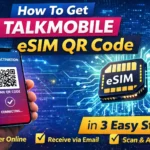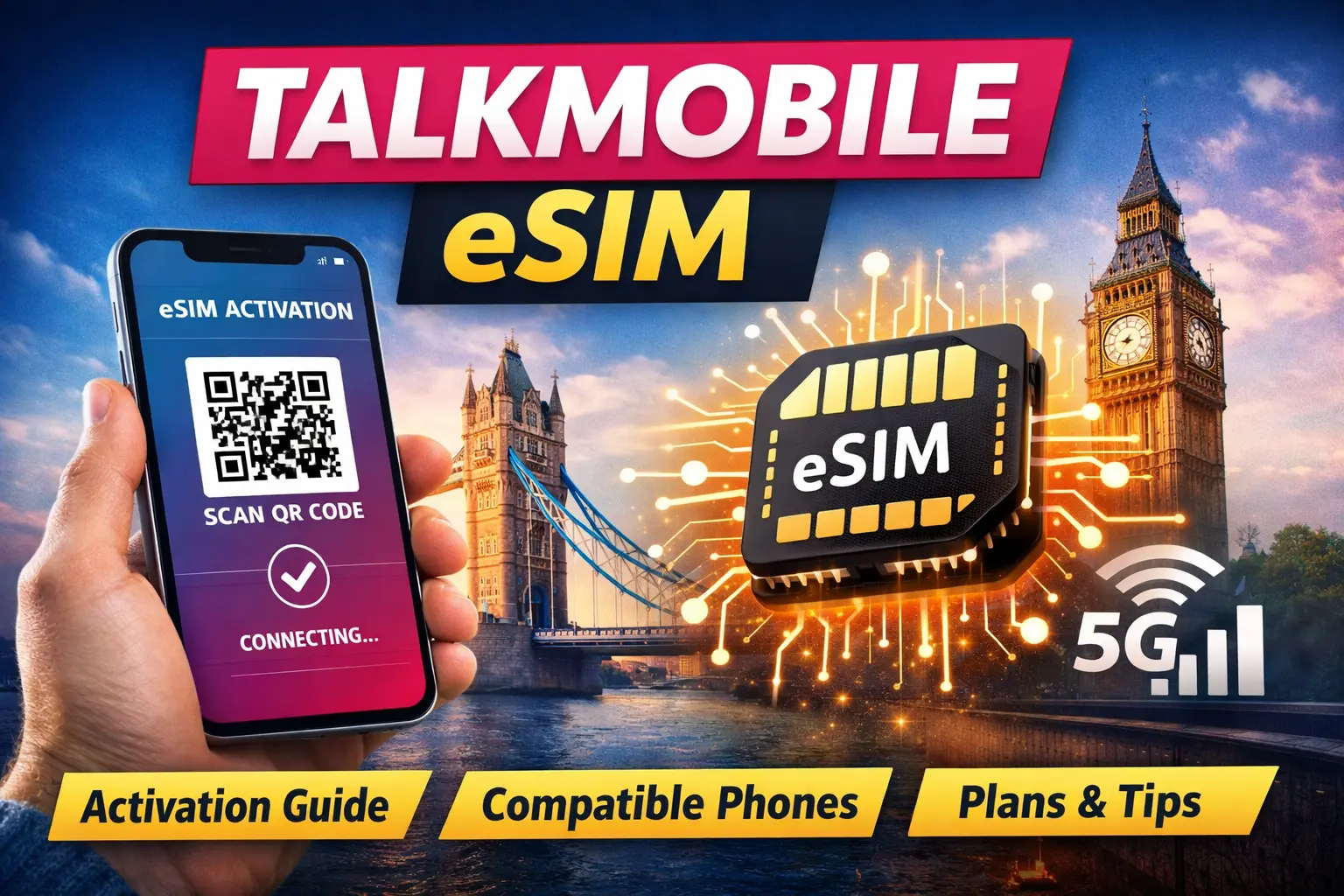
The talkmobile eSIM service allows users to activate their mobile number digitally without inserting a physical SIM card. Instead of waiting for delivery, you can complete eSIM activation within minutes using a QR code.
This guide explains how talkmobile eSIM works, how to get the QR code, supported phones, plan details, and how to fix common setup problems. If you are new to eSIM technology or planning to switch from a physical SIM, this article will help you understand each step clearly.
What Is Talkmobile eSIM and How Does It Work?
A digital SIM, also called an eSIM, is built directly into your smartphone. When you choose this popular eSIM in UK, the network sends an eSIM profile that is downloaded to your device.
Talkmobile operates on the Vodafone network, which provides wide UK coverage. With eSIM setup, your phone connects to the network without needing a plastic SIM card.
Key Benefits of Talkmobile eSIM
- Digital activation without waiting for delivery
- Ability to store multiple SIM profiles
- Easy switching between plans
- Dual SIM functionality for work and personal use
This technology is becoming standard across modern smartphones and mobile networks.
Does Talkmobile Support eSIM in 2026?
Yes, talkmobile now offers eSIM support on compatible devices and selected SIM only plans. Availability depends on your device and account eligibility.
Earlier information online may still say this service provider did not support eSIM, but the service has been introduced more recently, which created confusion among users.
What This Means for Customers
- New customers can select eSIM during signup
- Existing users can request a SIM swap
- You must have a compatible phone
If unsure, always check the latest details on the official talkmobile website.
Requirements Before Starting Talkmobile eSIM Activation
Before requesting the talkmobile eSIM QR code, make sure you meet these requirements:
Compatible Phone
Your device must support eSIM.
Most modern devices include:
- iPhone XR and newer
- Recent Samsung Galaxy flagship models
- Google Pixel smartphones
Active SIM Only Plan
You need:
- A new talkmobile plan
- Or an upgrade request
Internet Connection
A stable Wi Fi or mobile data connection is required to download the eSIM profile.
How to Get Talkmobile eSIM QR Code
Getting the QR code of eSIM provided by talkmobile is usually simple.
Step by Step Process
- Visit the Talkmobile website
- Choose a SIM only plan
- Select the eSIM option
- Complete identity and payment details
- Receive activation instructions
The QR code is typically sent by email or available in your account dashboard.
Keep this QR code safe because it is usually valid for one time use.
To know about end to end process of getting eSIM QR code Read our complete guide on How to Get Talkmobile eSIM QR Code and Activate It Step by Step .
Talkmobile eSIM Activation Step by Step
After receiving your QR code, follow these steps.
How to Activate Talkmobile eSIM on iPhone
- Open Settings
- Tap Mobile Data
- Select Add eSIM
- Scan the eSIM QR code received from talkmobile
- Confirm activation
The eSIM profile will download and connect automatically.
How to Activate Talkmobile eSIM on Android
- Open Settings
- Go to Network & Internet
- Tap SIMs
- Choose Add eSIM
- Scan QR code
Follow on screen instructions until activation completes.
Manual eSIM Setup Method
If scanning fails:
- Enter SM-DP+ address manually
- Input activation code
This information is usually provided in the activation email.
Talkmobile eSIM Compatible Phones
Before starting the eSIM setup, always confirm compatibility.
Apple Devices
- iPhone XR
- iPhone 11, 12, 13, 14, 15 series
Android Devices
- Samsung Galaxy S Series
- Google Pixel models
- Selected premium Android phones
Your device should be:
- Unlocked
- eSIM supported
- Compatible with Vodafone network frequencies
Talkmobile eSIM Plans and Pricing
Talkmobile provides SIM only plans with:
- Unlimited minutes
- Unlimited texts
- Different data allowances
Plans run on Vodafone network infrastructure with 4G and 5G availability depending on device and area.
Since pricing changes often, always verify current offers before purchasing.
Switch from Physical SIM to Talkmobile eSIM
Existing customers can convert their physical SIM to eSIM effortlessly by following the steps provided below.
Steps
- Log into your Talkmobile account
- Request SIM swap
- Select eSIM option
- Receive new activation details
Your existing number can usually remain the same after the switch.
Keep Your Existing Number (PAC Transfer)
If moving from another network:
- Request PAC code
- Enter during signup
- Number transfers within one working day
This process works the same with both physical SIM and eSIM.
Common Talkmobile eSIM Issues and Troubleshooting
eSIM QR Code Not Working
Possible reasons:
- Expired QR code
- Weak internet connection
- Code already used
Solution:
- Request replacement code
- Restart device
Talkmobile eSIM Activation Failed
Check:
- Device compatibility
- Correct activation details
If needed, use manual setup.
No Signal After Activation
Try:
- Restarting device
- Airplane mode toggle
- Checking network settings
Coverage depends on location.
eSIM Profile Download Taking Too Long
Possible reasons:
- Server delay
- Weak Wi-Fi
Keep your device connected until the process completes.
Read more about 9 easy fixes that actually works .
Security and Privacy of Talkmobile eSIM
The Talkmobile eSIM uses the same encryption as physical SIM cards.
Benefits:
- Cannot be removed easily
- Reduced risk of SIM theft
Always protect your phone with:
- Screen lock
- Password
- Secure account login
Talkmobile eSIM vs Physical SIM
| Feature | Talkmobile eSIM | Physical SIM |
|---|---|---|
| Activation | Digital | Card required |
| Delivery | Instant | Shipping delay |
| Switching | Easy | Replace SIM |
| Dual SIM | Supported | Limited |
eSIM offers more flexibility for modern smartphone users.
Is Talkmobile eSIM Worth It?
Talkmobile eSIM is a good choice if:
- You want fast activation
- You own a compatible device
- You prefer Vodafone network coverage
It is especially useful for users who manage multiple numbers or travel frequently.
Tips for Smooth Talkmobile eSIM Setup
- Confirm device compatibility first
- Keep QR code saved securely
- Use strong Wi-Fi connection
- Follow activation steps carefully
These simple checks can prevent most setup problems.
Future of Talkmobile eSIM
More mobile networks are moving toward digital SIM technology. As eSIM adoption grows, Talkmobile is likely to expand support across more plans and devices.
This means faster activation and improved flexibility for customers in the coming years.
Conclusion
The Talkmobile eSIM provides a modern and convenient way to connect without a physical SIM card. With the right device and plan, you can complete activation quickly using a QR code.
Before switching, always verify compatibility and follow official instructions carefully. Once set up, you benefit from easier plan management, dual-SIM capability, and reliable Vodafone-based coverage.
Frequently Asked Questions
Does Talkmobile support eSIM now ?
Yes, Talkmobile offers eSIM on compatible devices and selected plans.
How do I activate Talkmobile eSIM?
Scan the QR code from your activation email and follow device settings.
Can existing customers switch to Talkmobile eSIM?
Yes, by requesting a SIM swap through the account portal.
How long does Talkmobile eSIM activation take?
Activation usually completes within minutes after scanning the QR code.
Can I keep my old number?
Yes, you can transfer your number using a PAC code.