Find Out If Your Phone Needs to Upgrade
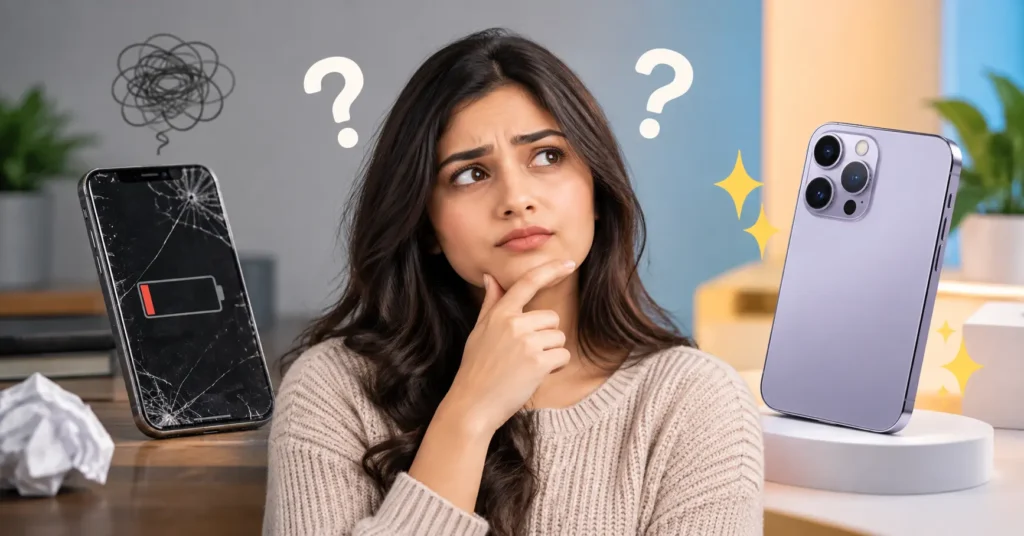
What is Find Out If Your Phone Needs to Upgrade Quiz ?
Let's be honest: everyone secretly wonders if it's time to upgrade their phone, and everyone also secretly hates admitting it. You tell yourself the battery is "fine," the cracked corner is "barely noticeable," and that one app that keeps crashing is "just having a bad week." Sound familiar?
Instead of staring at your phone and gaslighting yourself for the hundredth time, we built a quick, honest, mildly judgmental quiz to settle the debate once and for all. Six questions, 60 seconds, zero sales pitch - just an honest read on whether your phone has more life left in it, or whether it's quietly begging for retirement.
How the Quiz Works
Quiz will ask you six simple questions covering the stuff that actually matters when it comes to phone lifespan: how old your phone is, what shape the screen is in, how the battery's holding up, whether your apps are starting to give up on you, how your storage is doing, and what's actually motivating you to think about upgrading in the first place.
Each answer adds a few points to your "upgrade urgency score." At the end, your total score sorts you into one of four results from "still going strong" all the way up to "this isn't a phone anymore, it's a hostage situation." No email required, no login, just an honest answer in under a minute.
The Real Signs Your Phone Might Need an Upgrade
If you want the non-quiz version, here are the actual signs worth paying attention to:
- Your battery doesn't make it through the day anymore. If you're constantly hunting for an outlet or carrying a power bank everywhere, your battery has likely degraded past a comfortable point.
- Apps are starting to lag, crash, or stop updating. Once a phone can no longer run current app versions smoothly, it's a sign the hardware is falling behind, not just a software hiccup.
- Storage warnings are a weekly occurrence. Constantly deleting photos just to take new ones is a sign your phone's storage tier is holding you back.
- The screen is cracked badly enough to affect use. A tiny corner chip is cosmetic. A crack running through your typing area or camera view is functional.
- It's been 3+ years. Most phones are well-supported for 3-4 years, but battery health and performance both naturally decline past that point, even with light use.
- Security updates have stopped. If your phone no longer receives security patches, that's less about convenience and more about actual risk.
What If the Quiz Says You Should Wait?
If you land in the "still going strong" or "minor side-eye" results, congratulations - your phone isn't done with you yet. A few things that can stretch its life even further: replacing an aging battery instead of the whole device (often much cheaper), clearing out storage-hogging apps and duplicate photos, and turning off background app refresh for apps you rarely use. Sometimes a phone doesn't need to be replaced, it just needs a little maintenance.
What If the Quiz Says It's Time?
If you scored into "it's time" or "emergency level," it might genuinely be time to start browsing. Before you do, it's worth backing up your photos and data, checking trade in value for your current phone (even a cracked one is often worth something), and deciding whether you actually need the newest flagship or whether last year's model at a lower price covers everything you need. An upgrade doesn't have to mean overspending.
Is this quiz actually accurate, or just for fun?
Both, honestly. The questions are based on real signs that affect phone performance and lifespan - battery health, storage, screen condition, and app compatibility — so your result reflects genuine patterns, just delivered with a sense of humor instead of a boring checklist.
How long does the quiz take?
About 60 seconds. It's six questions, each with four multiple-choice answers — no typing required.
Do I need to enter my email or sign up?
No. The quiz works instantly with no sign-up, login, or personal information required.
Can I take it again for a different phone?
Yes. Hit "Take it again" at the end to re-run the quiz - useful if you're comparing your own phone against a family member's or deciding which of your old devices to finally retire.
What do the result categories mean?
Your answers are scored from 0-18 based on how many upgrade-urgency signals you're showing. Lower scores mean your phone is doing just fine; higher scores mean it's sending some very clear signals that it's ready to retire.